


Numericbase
 Overview
 Entering data
- The project window
- The base row
- Overriding the base row
- Color coding
- Hide Repeating values
- The summary row.
- Sorting
- Referring to other cells
- Range formula
- Circular dependency
- View source
- Using more than one table
- Import, export, and delete
- Windowing Optimized Mode
- Windowing Solution layout
- More details
- Examples
- Download
- Faq
Windowing Optimized Mode
NumericBase as an MDI applicationWindowing of NumericBase is based on the MDI model (Multiple Document Interface) with some added features. These features are the "optimize mode" ,which is described in this section, and the "layouting a solution" ,which is described in the next .
An MDI application consists of a frame window that accommodate several child windows. Each child window can work in one of three modes:
- Maximized , child window occupies the entire client area of the frame window.
- Minimized , child window is reduced to an icon.
- Free , user can set the size of the window by dragging it's borders.
Optimized mode
In "optimized mode", the child window adjust it's size automatically to accommodate it's content. In the following animated screenshot, we resize one of the column and the window size is also resized automatically.
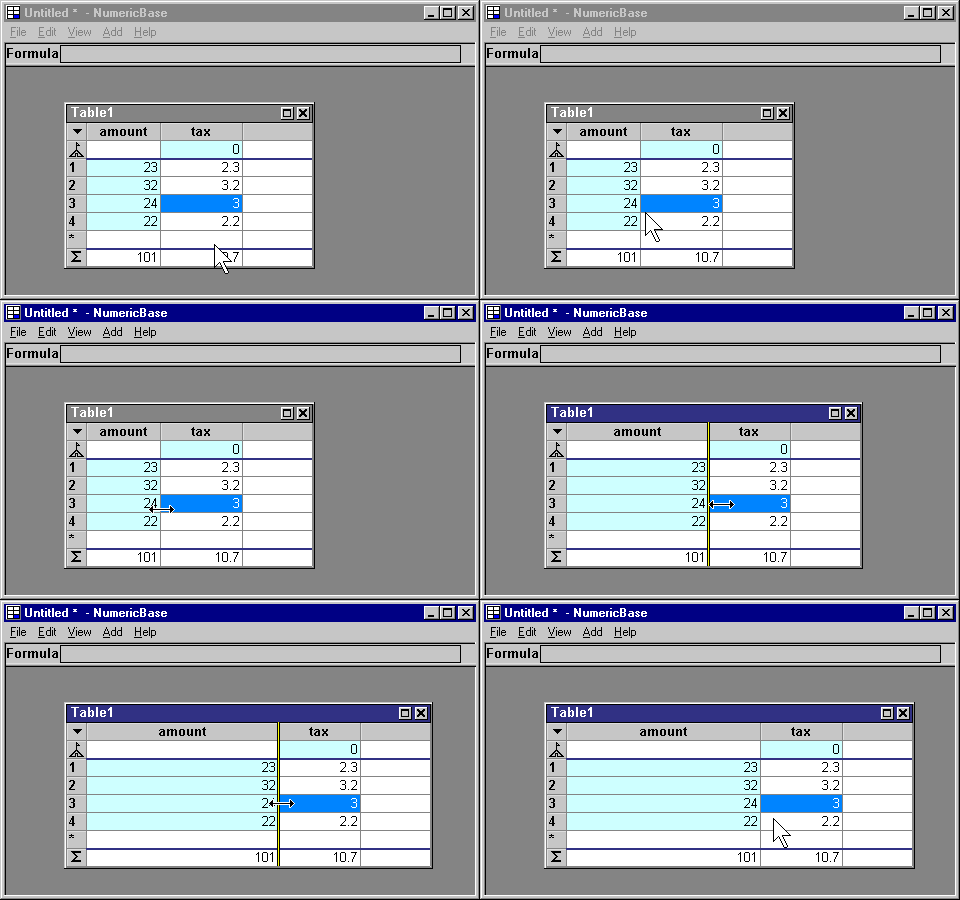
Animated screenshot: optimized mode.
If the content grows to more than 600 x 400 pixels, then the child window does not grow further, instead, NumericBase adds scrollbars to let you scroll to see the content.
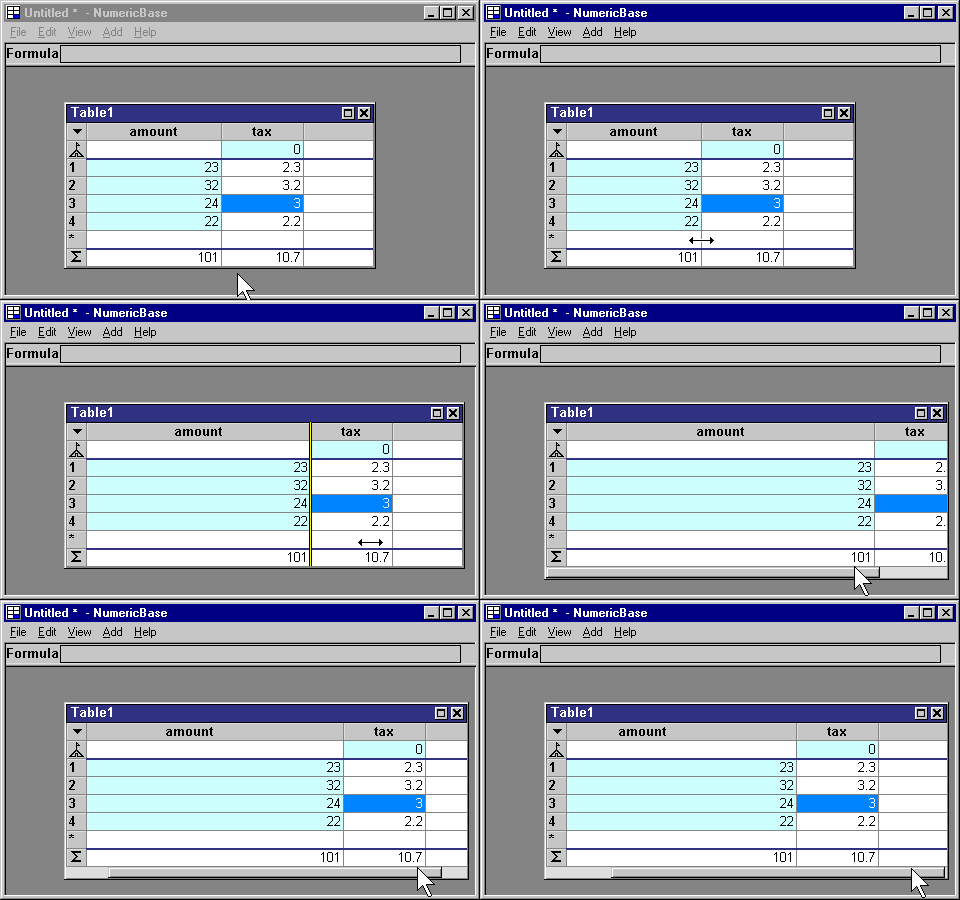
Animated screenshot: Scrollbar is added.
To move from optimized mode to free mode, you can resize the borders of the child window. On free mode, the window size is changed only by the user.
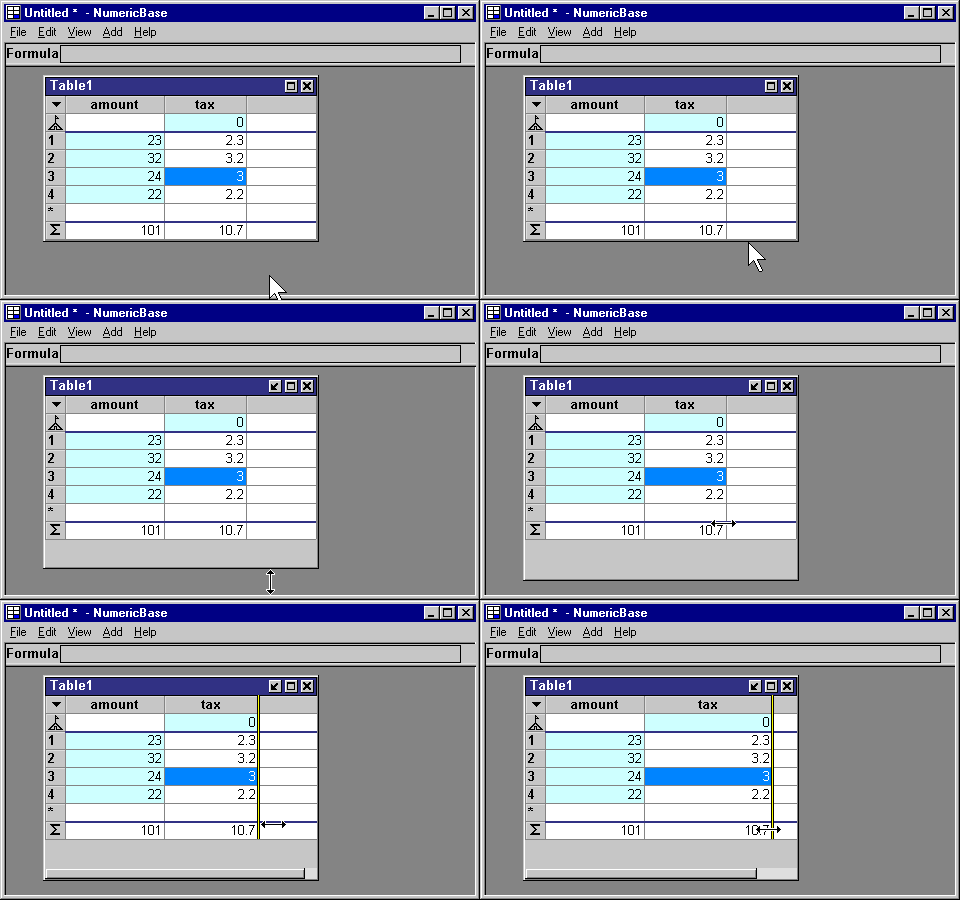
Animated screenshot: moving to free mode.
To go back to optimized mode, you can press the "optimize" title bar button. The "optimize" title bar button shows only in maximized and free mode, and look like this:

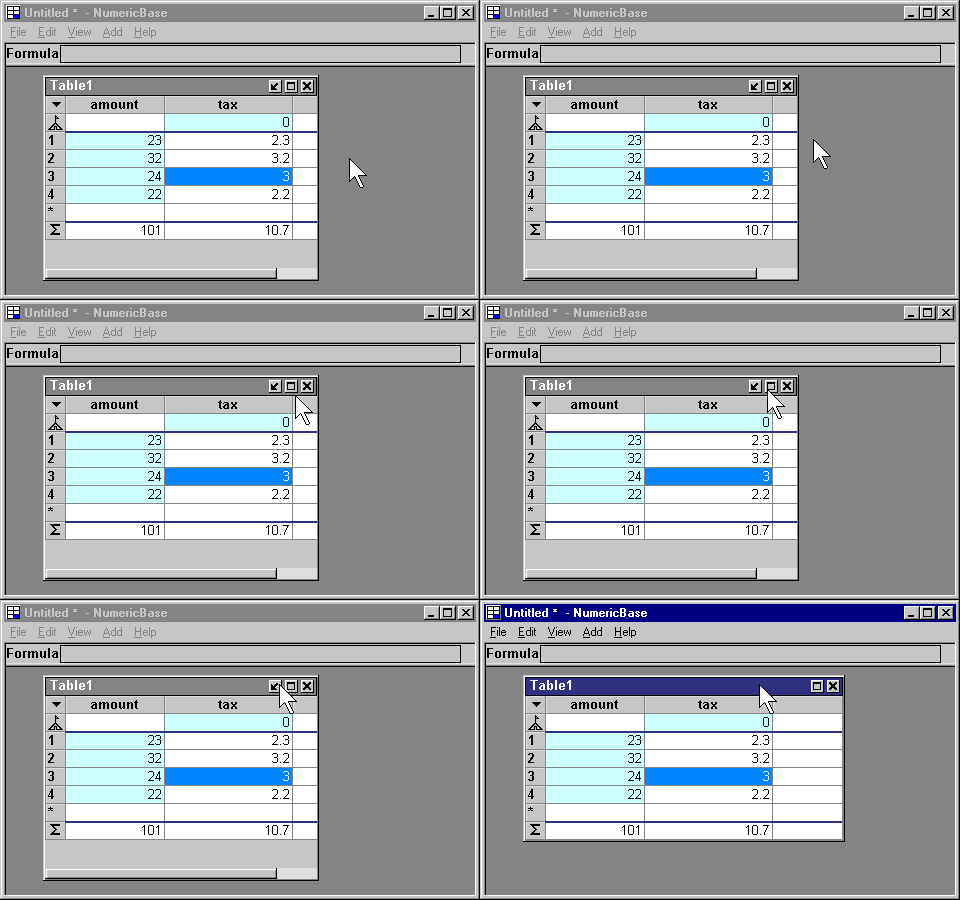
Animated Screenshot: going back to optimized mode.
Copyright © 2003 - 2025 by symbol click. Contact info