


XML Marker
 Features
 Quick start
- The Tree View
- The Icons
- The Tree Selection Browser
- The subtags table
- Multiple occurrences.
- Unique attributes and subtags.
- Syntax checking
- Tools to modify xml.
- Color-coded text range highlighting
- Navigation
- Indentation
- The Table Selection Browser
- DTD support
- Limitations - please read.
- Use Cases
- Version 2.0 change log
- download
Color-coded text range highlighting
Color-coded text range highlightingClicking an element in the tree will highlight its XML section using a light blue background color surrounded with a dark blue line. Likewise, clicking a cell in the table view, will highlight the selection in a light yellow color (also surrounded with dark line).
Both selections are visible at the same time. If the table view cell is a multiple occurrences cell, then the all occurrences are highlighted separately in the text. The following screenshot shows such multiple occurrences highlighting:
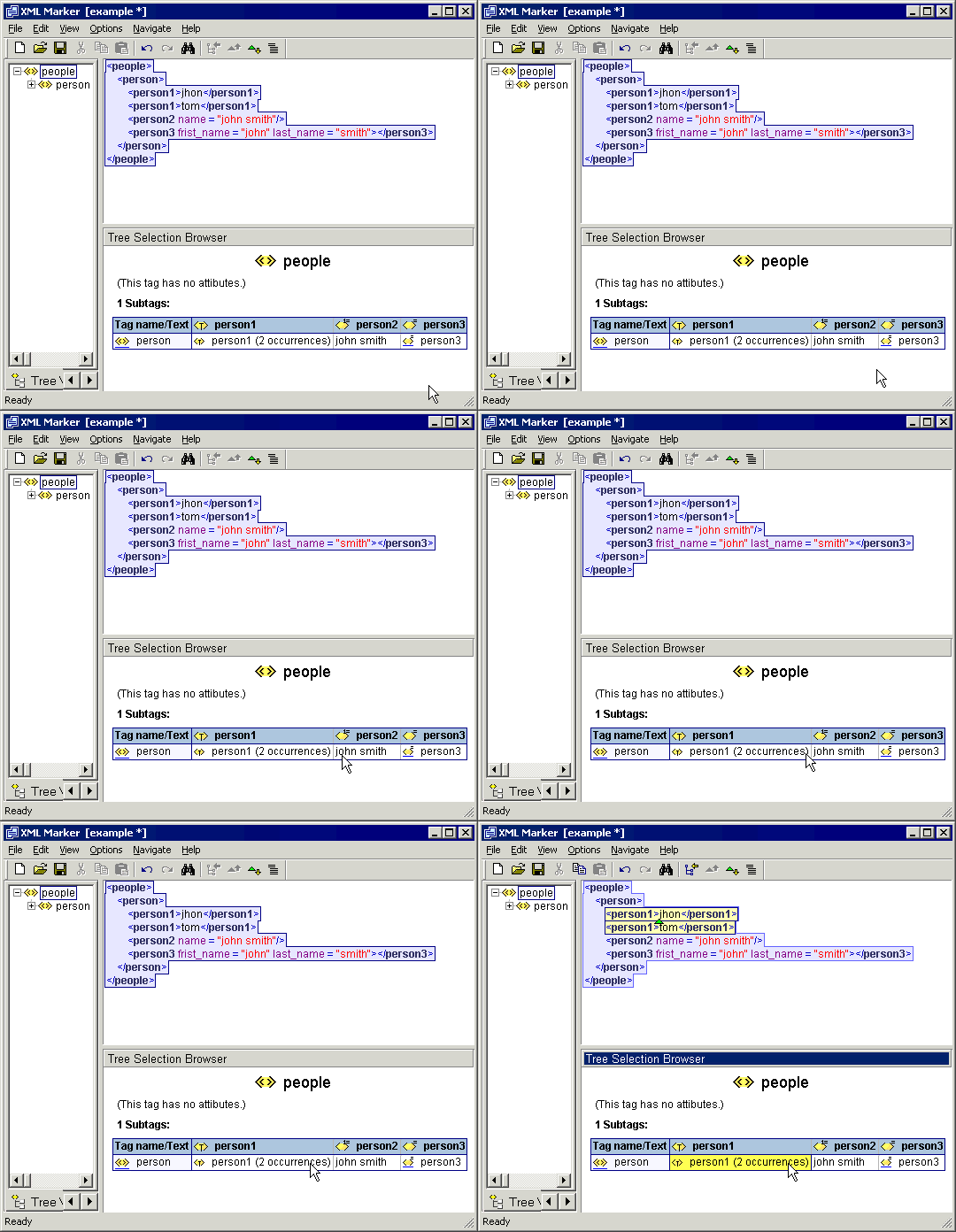
Screenshot: Color-coded text range highlighting
Copyright © 2003 - 2026 by symbol click. Contact info